 8.0
8.0REVIEW · July 2, 2026
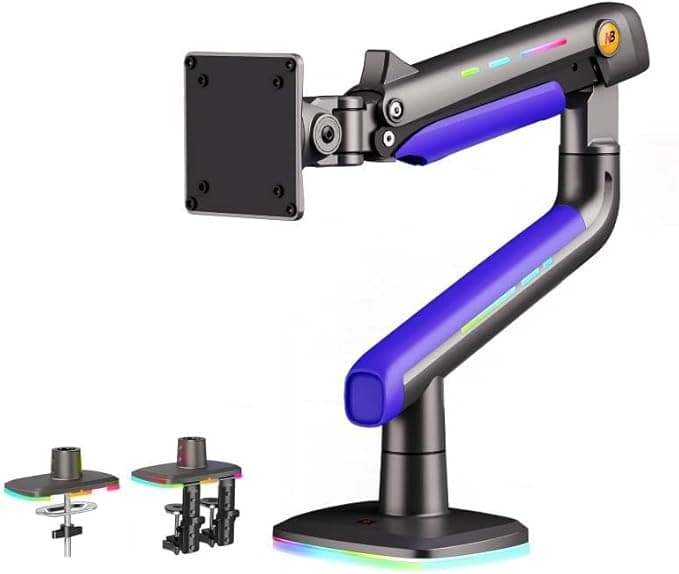
RGB Gas Spring Dual Monitor Arm by NB
One finger lifts it up to 500mm with almost no wobble. Turning off the RGB means opening an app, which gets old fast.
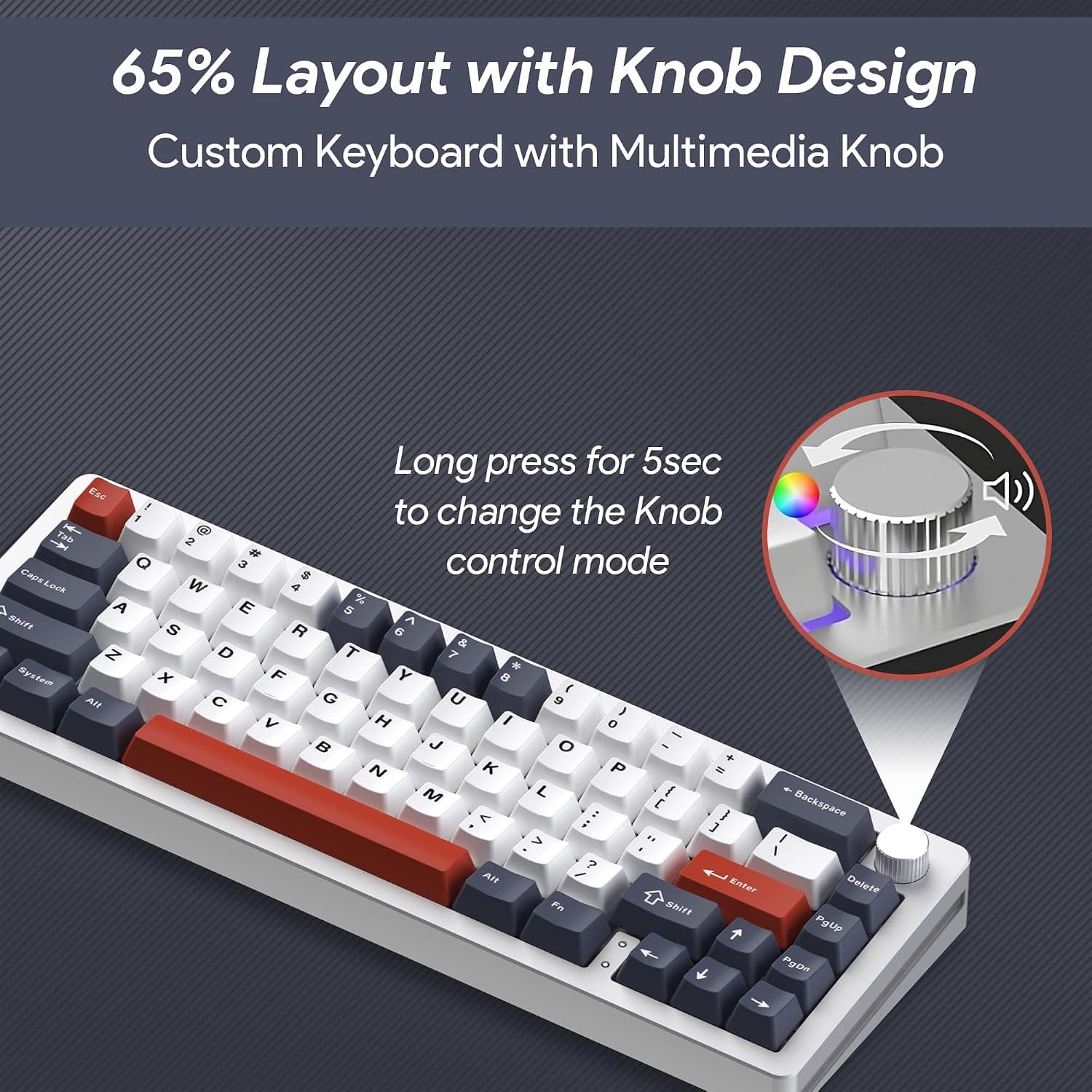
Read ReviewThe multimedia knob alone makes it feel complete, but the south-facing LEDs cause noticeable light bleed with custom keycaps.
Check price on Amazon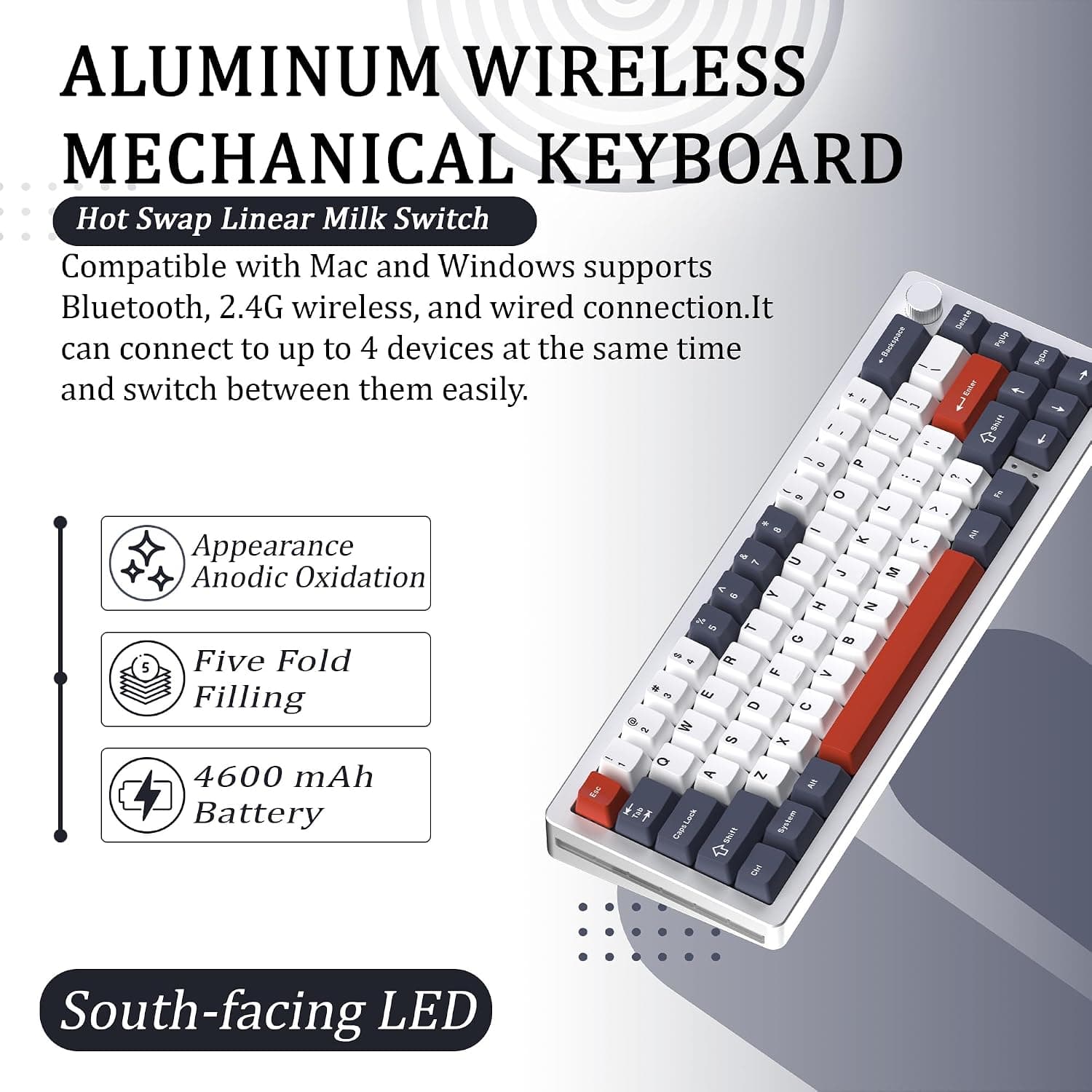
| Layout | 65% (68 keys) |
|---|---|
| Switches | Linear milk switches, hot-swappable |
| Connectivity | Bluetooth / 2.4GHz wireless / wired, up to 4 devices |
| Battery | 4600mAh |
| Finish | CNC-machined aluminum, anodized |
| Warranty | 1 year |
The anodized aluminum top plate resists fingerprints, and the texture under your fingertips is clearly different from plastic-housing boards. The 65% layout is much more compact than full-size, but arrow keys and frequently used function keys (Home, End, PgUp, etc.) require Fn combos, which took some adjustment.
Registering a laptop, desktop, tablet, and phone, then switching between them with a long knob press, turned out to be genuinely convenient in daily use. Wired mode was recognized instantly on plugging in, and the 2.4GHz dongle worked plug-and-play with no driver needed.
Typing feel is crisp and solid, with no hollow resonance, thanks to the aluminum top plate. Since it supports hot-swap sockets, I swapped 2 of the stock linear milk switches for quieter ones — no tools needed, just pull and plug. For anyone into custom keyboards, this is a real selling point.
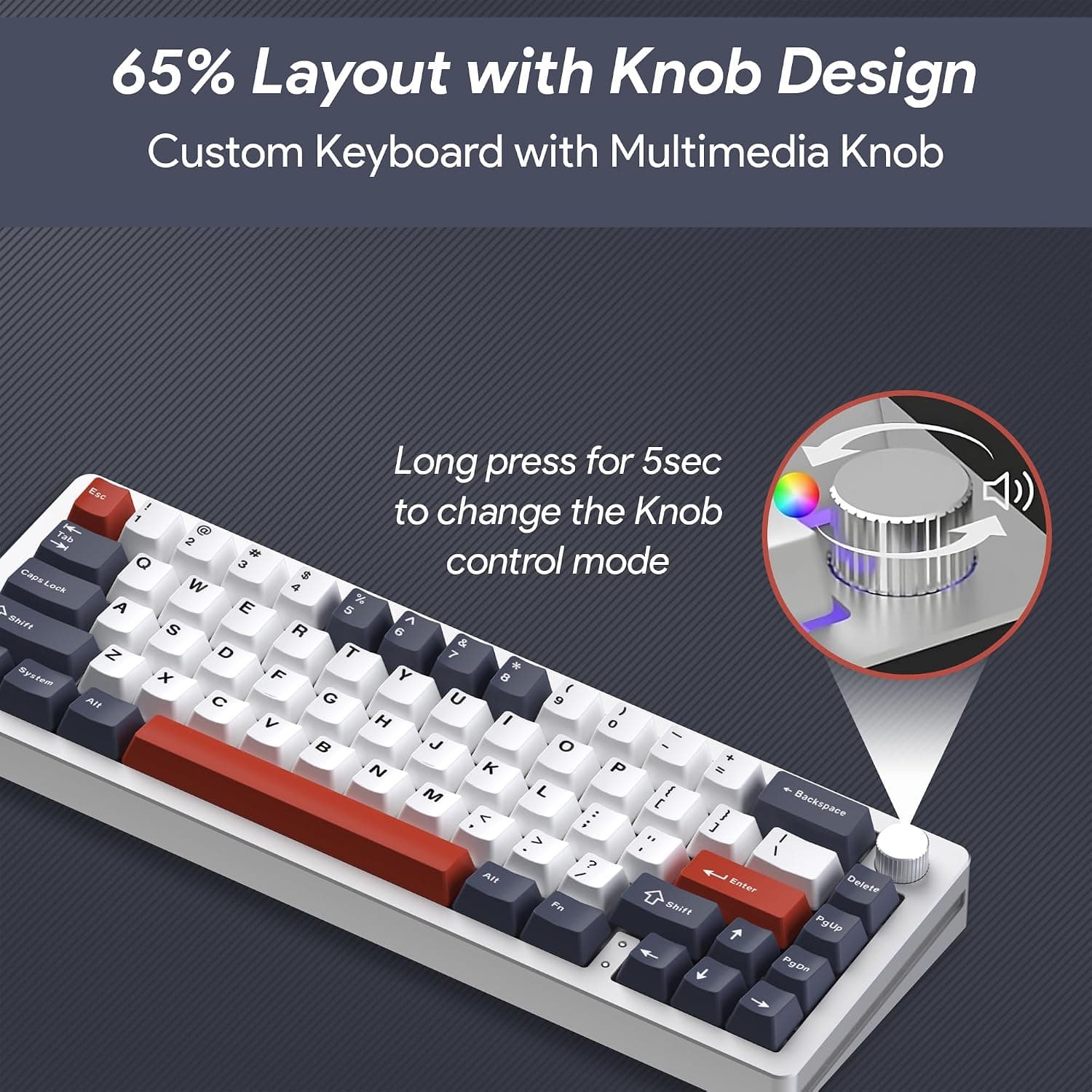
The RGB backlight is south-facing, so swapping in some thicker keycaps makes light bleed from underneath noticeable. With the stock keycaps, it wasn't distracting. The 4600mAh battery lasted over a week with backlighting on, without needing a charge.

Sarah Lee
Last updated: August 12, 2026
Be the first to know whenever a new review goes up.
8.0REVIEW · July 2, 2026
One finger lifts it up to 500mm with almost no wobble. Turning off the RGB means opening an app, which gets old fast.
Read Review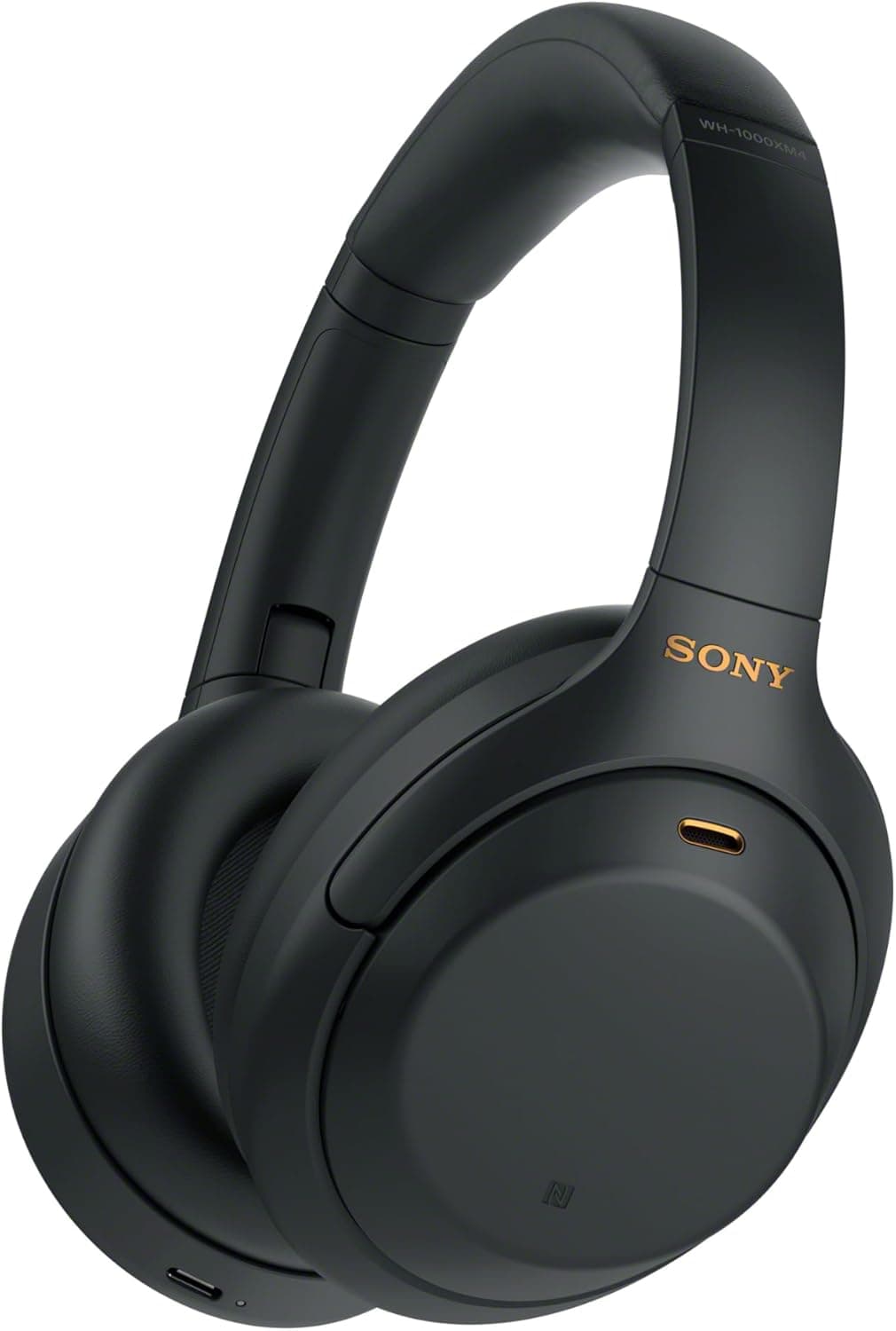 8.9
8.9REVIEW · May 18, 2026
Subway noise genuinely drops by more than half. If you wear glasses, your temples start feeling the pressure around the 3-hour mark.
Read Review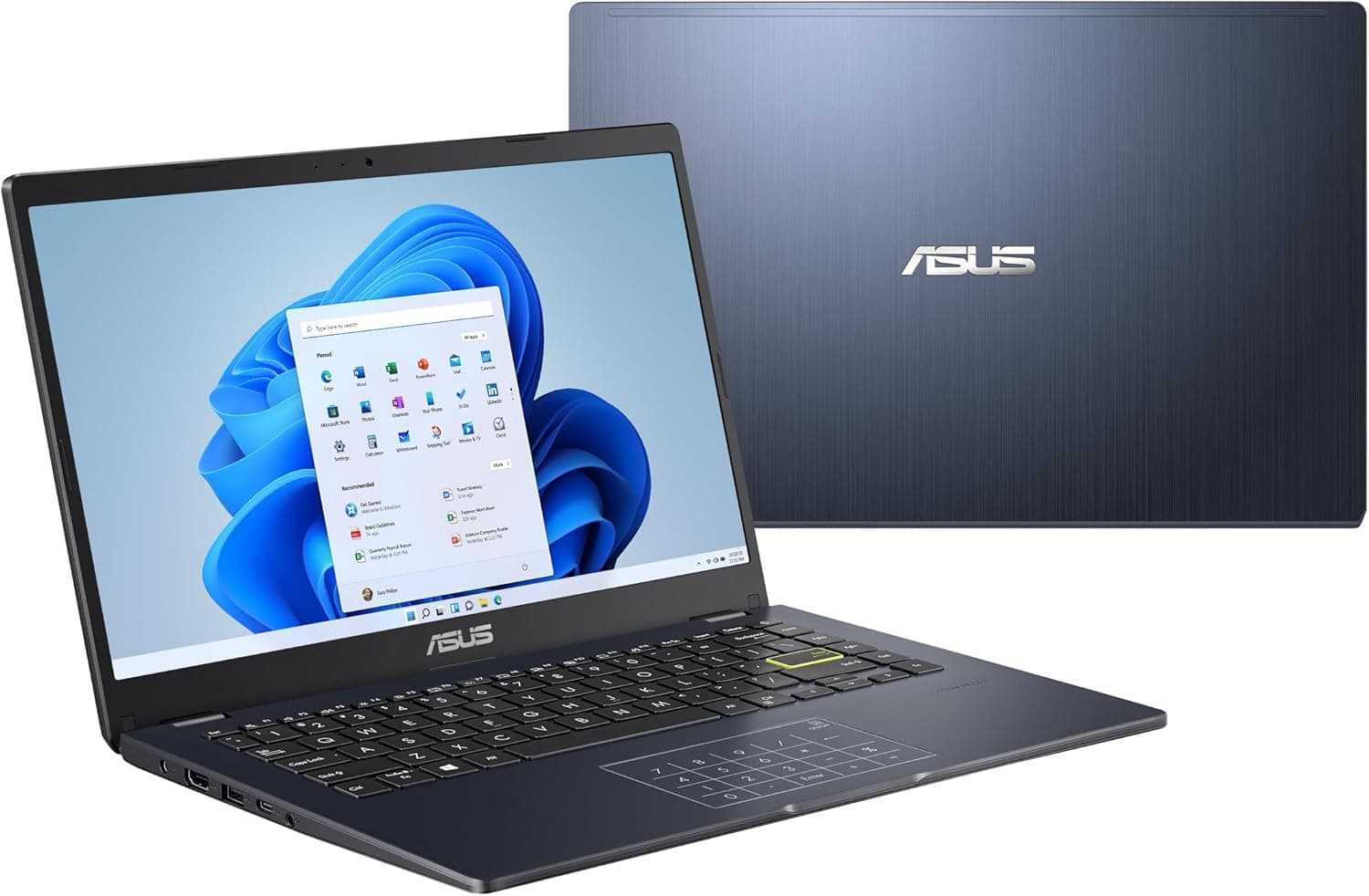 6.9
6.9REVIEW · April 11, 2026
At around 1.3kg, it disappears in a backpack. Open more than 10 Chrome tabs and the lag becomes noticeable.
Read Review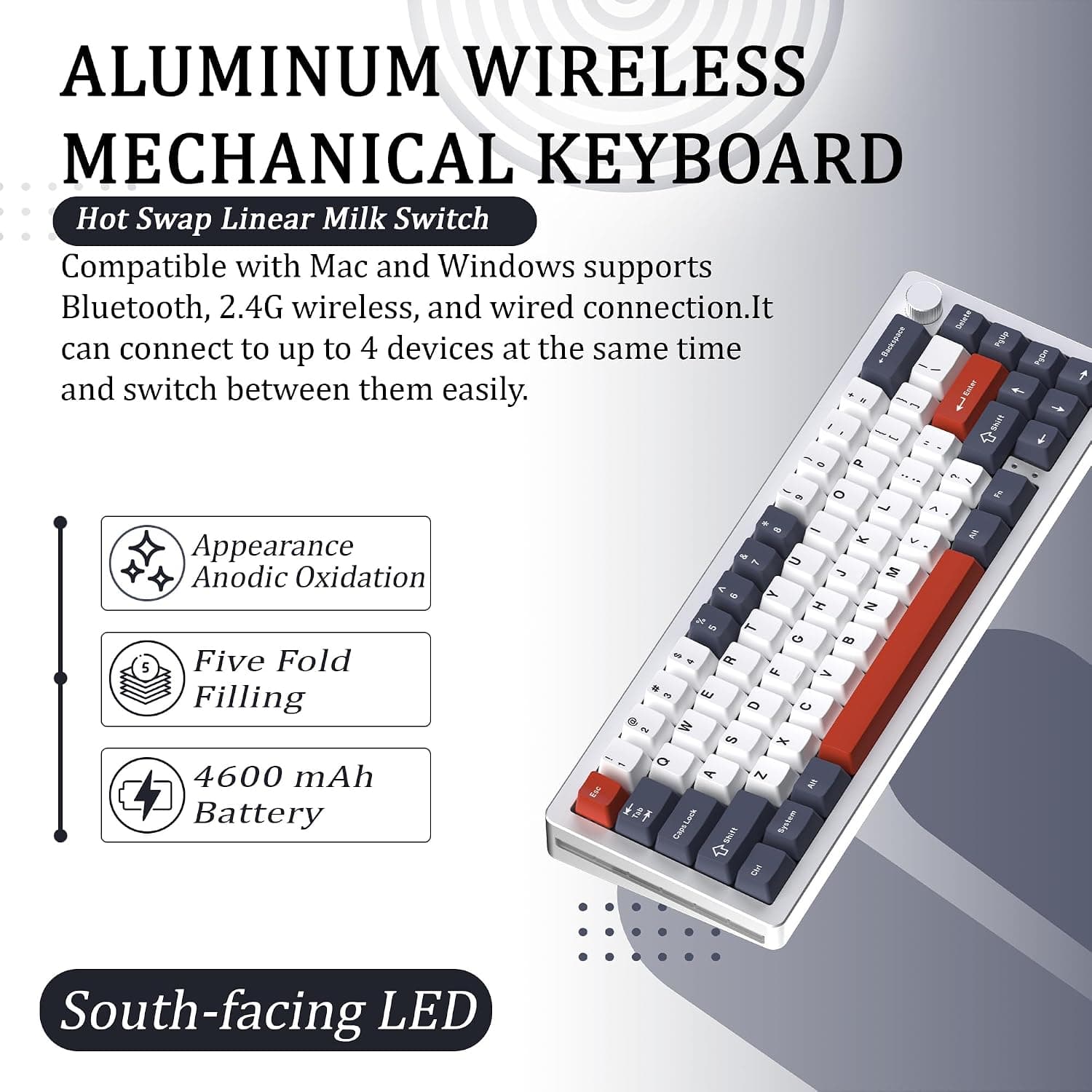
Unbranded
Aluminum Wireless Mechanical Keyboard 65%
Written from in-depth product research
Unbranded
Aluminum Wireless Mechanical Keyboard 65%
Written from in-depth product research